libvcvideo Working
I started yet another project a few weeks ago. This one, called libvcvideo, is intended to be a super simple way to access video devices, especially web cams. I've been writing it to replace the more feature rich, but heavier OpenCV in my other projects. Yesterday in class I got the first working product, so I made a flurry of refinements, added some documentation, and I'm now showing it off.
It's nothing amazing yet, it only works in Linux on V4L devices that are web cams and use the RGB24 data format. That said, it's still a lot of devices, especially from the spca5xx and gspca drivers.
I'll be adding more to it over time, but here is some proof of concept items.
Here is a fullscreen shot of the library running my gtkmm test program. The library was compiled with it's debug option which provides all that information in the terminal window.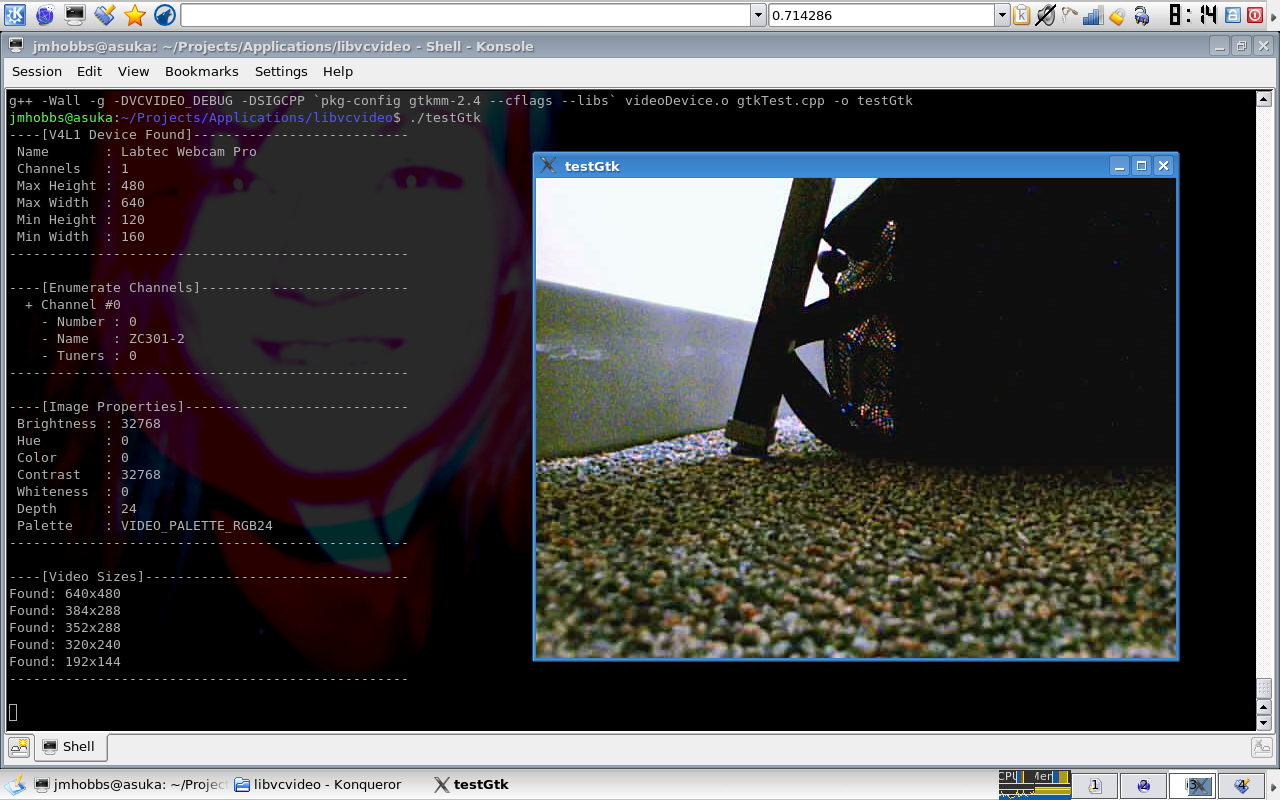
One cool thing I added is a sigc++2 signal for measuring the progress of operations. Here I have it hooked up to my gtkmm test program showing where it is in the initialization process.
Here is the first image I captured with the library. If it looks a little off color, it is because I hadn't corrected the byte ordering on the format yet, so blue and red are swapped. Yes, it is a boring first image, but the camera was under my desk and I didn't want to offend the teacher by openly working on this during a macroeconomics lecture.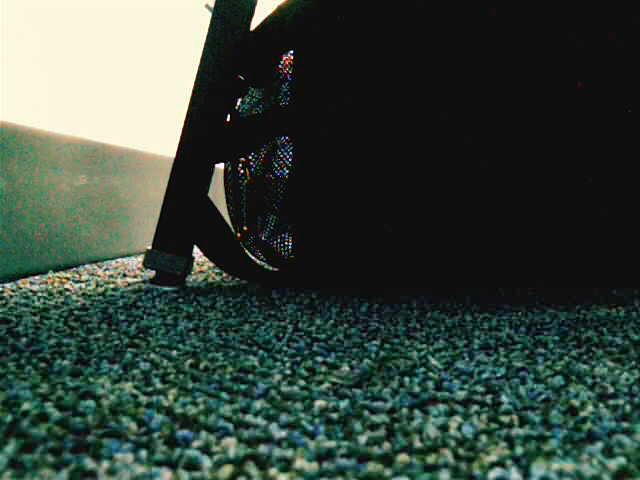
Here is about the most simple example possible. It safely creates, opens, initializes, and grabs a frame from the device "/dev/video0".
#include
using std::cerr;
using std::endl;
#include
using std::string;

#include "lib/videoDevice.h"

int main (int argc, char ** argv) {
  vc::videoDevice device ("/dev/video0");
  vc::vdFrame frame;

  try {
    device.init();
  }
  catch(string s) {
    cerr << "Device initialization failed: " << s << endl;
    exit(1);
  }

  try {
    device.getFrame(frame);
  }
  catch(string s) {
    cout << "Failed to get frame: " << s << endl;
    exit(1);
  }
}
You can get more details on the project page.